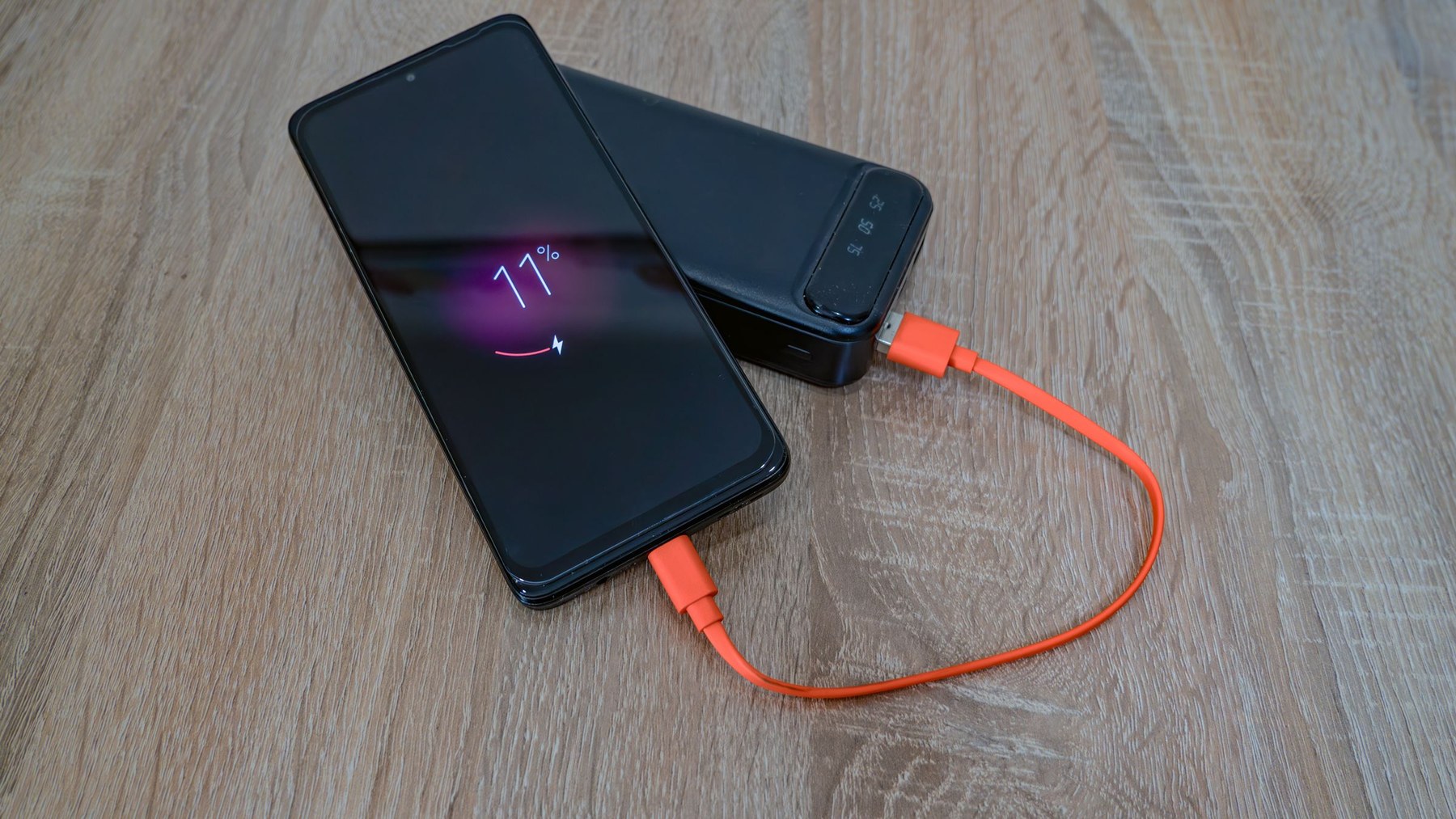
Start the day with a fully charged phone, a charged portable battery and the cable your phone actually uses. That small kit is the most reliable way to keep park tickets, mobile orders, photos and ride plans available until you are back at the hotel.
Walt Disney World also has portable-charger kiosks around the resort. They are useful when your own battery runs low or never made it into the park bag. Treat them as a backup rather than the first step in the plan. Kiosk locations and availability can move, and the service is run by a third party.
Pack one dependable charging setup
The basic kit is short: a portable battery, a cable that fits your phone and, if you want to recharge the battery overnight, its charging cable and wall adapter. Test everything at home. A cable that looks right but has a loose connector is a poor surprise halfway through a park day.
| Bring | Why it matters | Check before the trip |
|---|---|---|
| Portable battery | Lets the phone keep working while you walk, wait or eat. | It holds a charge and turns on when connected. |
| Phone cable | Connects your own battery or another compatible power source. | Both ends match the phone and battery. |
| Short backup cable | Covers a frayed, lost or shared primary cable. | It is packed somewhere easy to reach. |
| Wall adapter | Recharges the kit overnight at the hotel. | It works with the cables you packed. |
Keep the battery out of direct sun when you can. Do not bury a charging phone under clothing in a bag. If the phone or battery feels unusually hot, disconnect it and let it cool in a shaded place.
Disney World kiosks sell portable chargers
Third-party-operated kiosks around Walt Disney World sell portable chargers. Follow the prompts on the screen and pay with a major credit card. The charger comes with cables for connecting a mobile device.
When that charger runs down, you have two choices. Recharge it yourself with a USB cable and a compatible USB power source, or return to a participating kiosk and swap it for a fully charged replacement.
Disney does not operate the kiosks or the portable batteries. Read the terms on the kiosk screen before buying. The official service page does not promise a particular price, connector setup or in-stock unit at every location, so check those details at the machine.
Use the official kiosk locator
Kiosks are spread across the theme parks and resort areas. Current examples include Pecos Bill Tall Tale Inn and Cafe and Tomorrowland Launch Depot at Magic Kingdom, Creations Shop and The Land at EPCOT, Tower of Terror and Pixar Plaza at Disney's Hollywood Studios, and Island Mercantile and Conservation Station at Disney's Animal Kingdom.
Those examples help you know what kind of place to look for, but they are not a promise that every kiosk will be available during your visit. Open Disney's current locator before making a long walk across a park.
Official tool: Find portable phone charging kiosks at Walt Disney World.
Cut battery drain before it becomes a problem
The screen is usually the easiest place to save power. Lower its brightness and shorten the screen timeout so it goes dark quickly after you finish checking a wait time or order. Disney also recommends turning off automatic photo and video uploads and disabling your personal hotspot when you do not need it.
A few small habits help, too:
- Download or screenshot details you will need repeatedly, such as a hotel confirmation or parking location, when the app allows it.
- Close camera or navigation views when you are finished with them.
- Use low-power mode before the battery reaches the red zone.
- Let one person handle repeated app checks when everyone in the group is looking for the same answer.
- Carry the phone where it will not wake constantly from accidental taps.
Airplane mode can save power, but it also cuts the live connection you may need for app updates, messages and calls. Use it only during stretches when you know you do not need service, and remember to turn it off again.
A low-fuss park-day charging routine
- Charge overnight. Plug in the phone and the portable battery before bed.
- Test the kit in the morning. Connect the battery for a moment and make sure the phone shows that it is charging.
- Top up during a natural pause. A meal, long indoor show or extended queue is easier than waiting until the phone is nearly empty.
- Put the battery away when the job is done. Leaving cables dangling from a pocket invites snags and lost equipment.
- Recharge again at the hotel. Reset the whole kit for the next day.
If several people share one battery, decide what it is protecting. A phone holding the group's tickets, hotel messages and transportation details may deserve priority over a phone used mainly for photos.
When the phone is almost dead
Switch on low-power mode, dim the screen and stop background uploads. Save the information you need next, then put the phone away while it charges. A cable connection in a bag can come loose without anyone noticing, so check the charging symbol once before you zip it up.
If your own battery fails, use the official locator to find a kiosk. Before buying, look at the included cables and the terms on the screen. If the nearest kiosk is unavailable, ask a Cast Member where the closest current option is. Avoid planning around an unconfirmed outlet in a restaurant or queue.
Before you leave the hotel
- Phone charged
- Portable battery charged
- Correct cable tested
- Backup cable packed
- Low-power mode easy to find
- Official kiosk locator bookmarked
A phone battery is one of the least glamorous parts of a Disney World plan. It is also one of the easiest to solve before breakfast. Pack the kit, charge during a pause and keep the kiosk option in reserve.