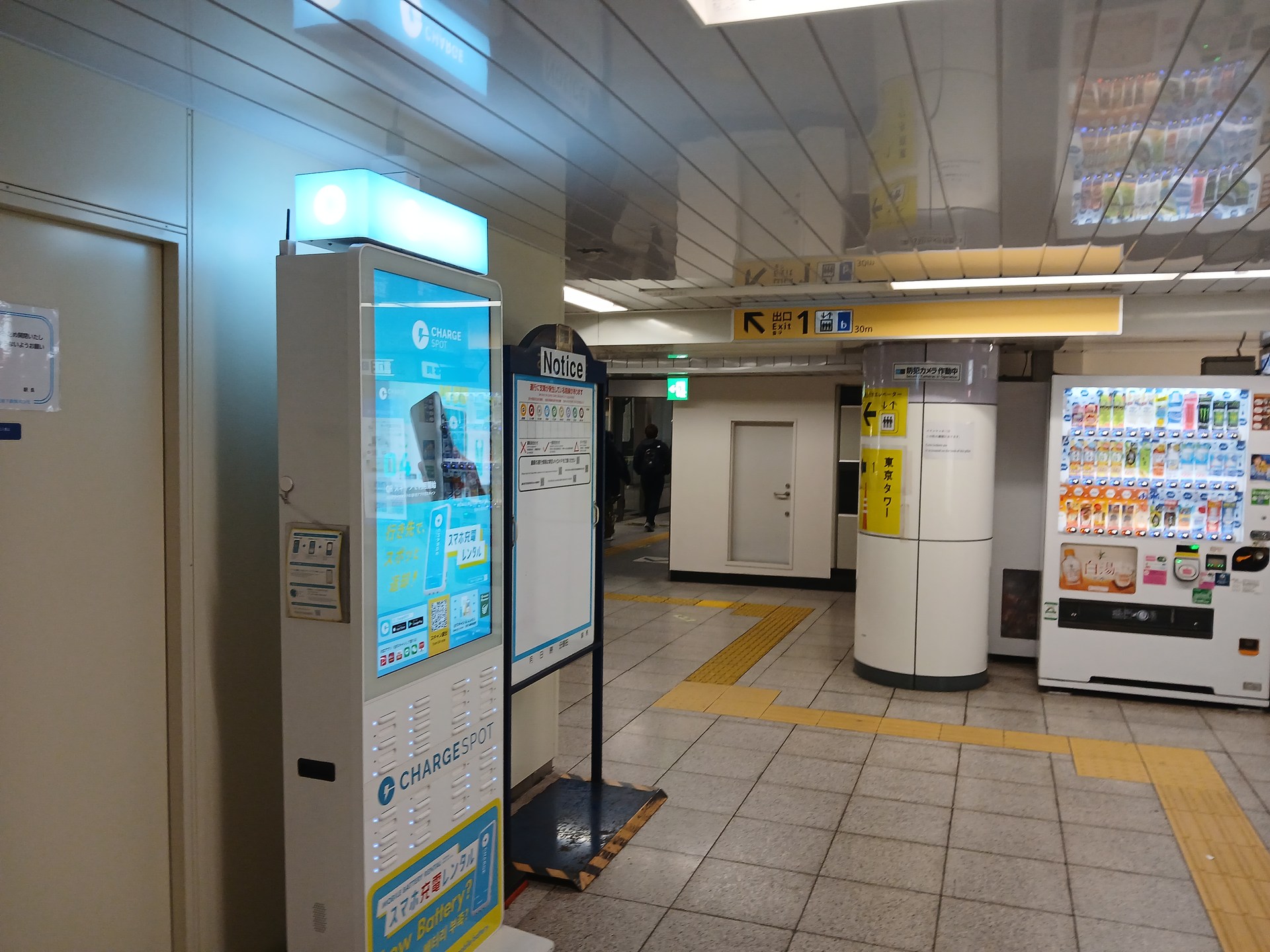

You can rent a portable battery at Tokyo Disneyland or Tokyo DisneySea for ¥350 for under an hour. ChargeSPOT stands are available inside and outside both parks. Rent one while your phone still has enough charge to get through setup and payment.
Battery rental fees
| Rental time | Fee |
|---|---|
| Under 1 hour | ¥350 |
| 1 hour to under 2 hours | ¥500 |
| 2 hours to under 3 hours | ¥700 |
| 3 hours to under 4 hours | ¥1,000 |
| 4 hours to under 6 hours | ¥1,200 |
Check ChargeSPOT for the rate at six hours or longer. Payment is online through the rental service. The stand cannot take payment in person.
Finding a stand and returning the battery
- Open the Tokyo Disney Resort App map, tap the three dots at the bottom, then tap the filter icon. Under facility categories, select Mobile Battery Rental Service.
- Scan the code on the stand to download ChargeSPOT if you need it. Use the rental app to check which stands have batteries and which have open return slots.
- Return the battery at a participating stand with an open slot. You can use a different stand from the one where you picked it up, including an available stand outside the park.
Some stands may be out of batteries or difficult to reach by wheelchair. Check the Tokyo Disney Resort App for accessible locations and ChargeSPOT for availability.
If your phone is already dead
There are no public outlets inside the parks for charging a phone directly. If your phone has shut off and you can’t finish a rental, look for a shop that sells mobile phone chargers. Find those shops with the shopping filter in the Tokyo Disney Resort App on a travel companion’s phone, or ask a Cast Member.