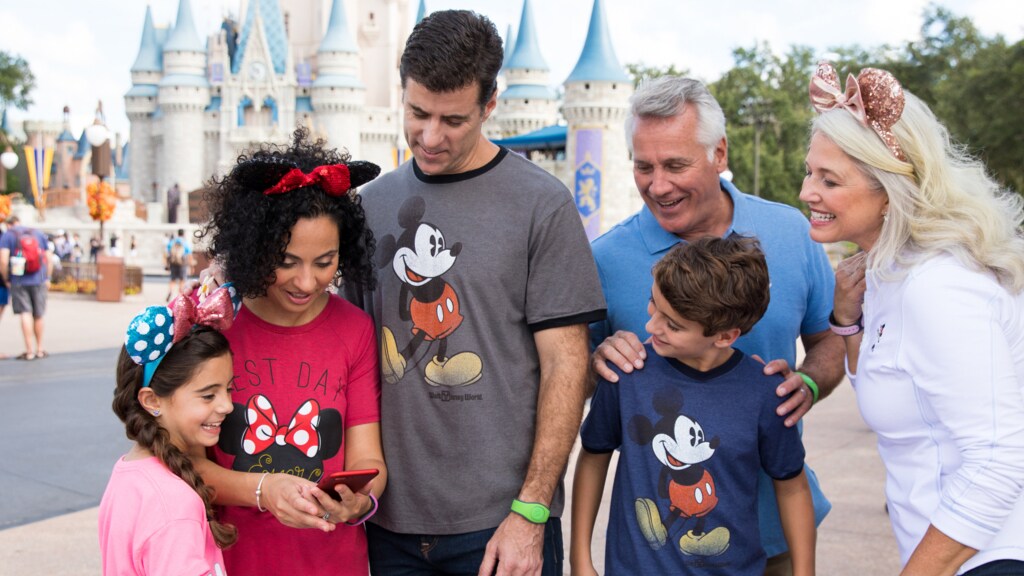
Disney World Mobile Order lets you choose food, select an arrival window, and pay in the My Disney Experience app before you reach a participating quick-service restaurant. The useful part is matching the restaurant to your route and tapping the pickup button at the right moment.
The quick Disney World Mobile Order choice
Use Mobile Order when the group wants a quick-service meal and already knows roughly where it will be during the next part of the day. It is especially useful for a family trying to keep a meal beside the next land, show, or attraction instead of crossing the park after ordering.
- Use it for quick-service meals. Mobile Food & Beverage Ordering is available at participating quick-service locations, not as a replacement for a table-service reservation.
- Choose the restaurant before choosing the time. The right arrival window is the one that fits the park route, not simply the first window the app offers.
- Order before the group is hungry. The app lets you browse and customize before reaching the counter, which gives a mixed party time to settle on a meal.
- Keep allergy questions at pickup. Place the order in the app, then speak with a Cast Member at the location before eating.
Where Mobile Order works at Disney World
The official Disney World dining map marks participating locations with the Mobile Orders filter. The examples below are useful starting points in each area. Participation, menus, and arrival windows can change, so use the live app or map for the day of the visit.
| Area | Mobile Order examples | Route use |
|---|---|---|
| Magic Kingdom | Cosmic Ray's Starlight Café, Casey's Corner, The Friar's Nook, and Sleepy Hollow | Choose an order near the land where the group will already be walking. |
| EPCOT | Connections Eatery, Regal Eagle Smokehouse, and Yorkshire County Fish Shop | Decide whether the meal belongs near World Celebration or the World Showcase loop. |
| Hollywood Studios | Woody's Lunch Box, Docking Bay 7 Food and Cargo, and Ronto Roasters | Keep the pickup close to Toy Story Land or Star Wars: Galaxy's Edge instead of crossing the park. |
| Animal Kingdom | Satu'li Canteen, Flame Tree Barbecue, and Pizzafari | Pick the land that matches the next walk, especially if the group is moving between Pandora and Discovery Island. |
| Disney Springs | D-Luxe Burger, B.B. Wolf's Sausage Co., and Amorette's Patisserie | Use the map to choose a stop near the shopping or entertainment area already on the plan. |
How to place a Disney World Mobile Order
- Open the My Disney Experience app and tap the plus button at the bottom of the screen.
- Choose Order Food, then select an available restaurant and an arrival window.
- Choose menu items, review the available customizations, and add the order to the cart.
- Pay with an accepted credit or debit card, Disney Gift Card, Disney Rewards Redemption Card, Apple Pay, or Disney dining plan.
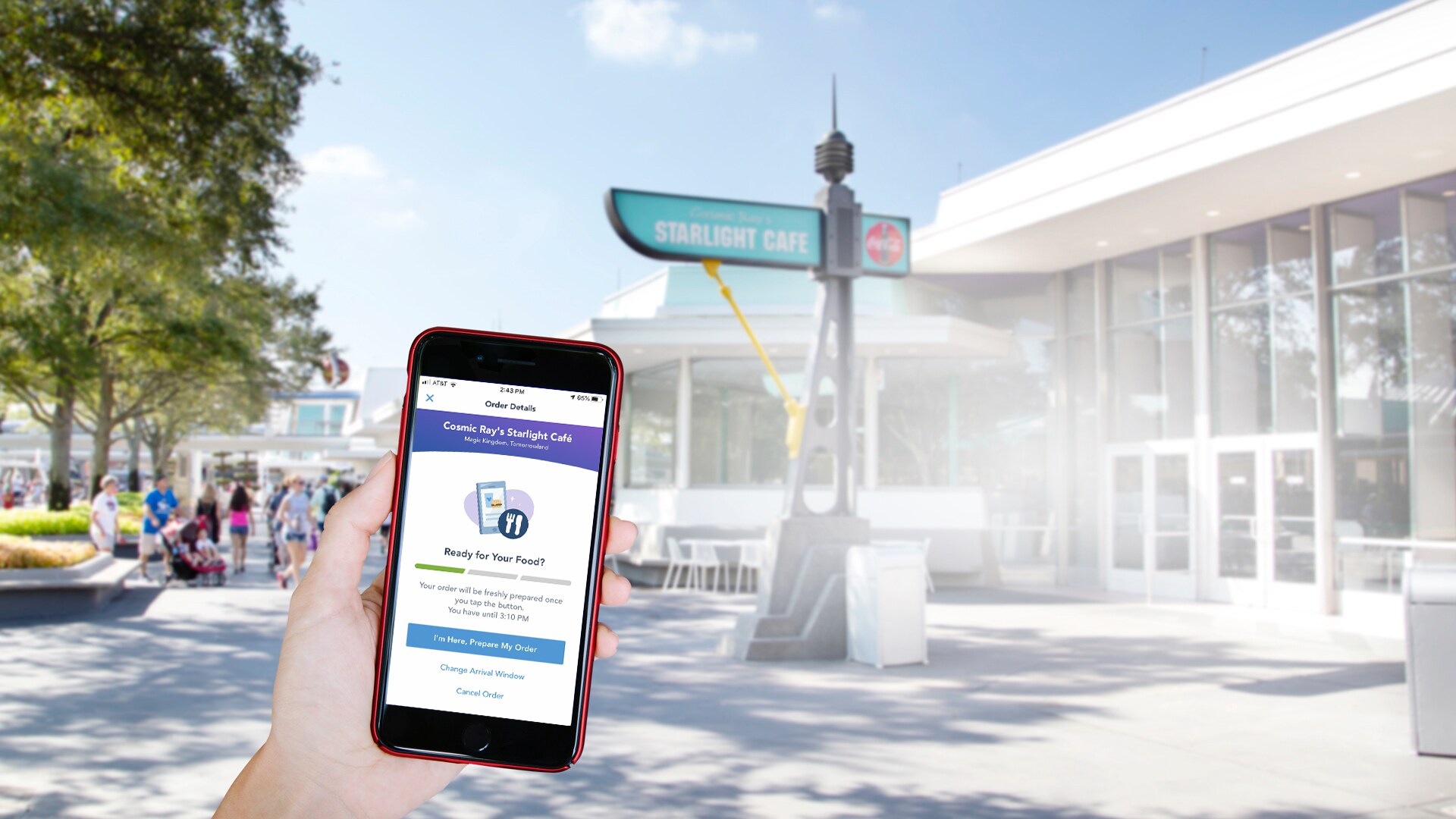
- When you are at the restaurant during the selected arrival window, tap I'm Here, Prepare My Order.
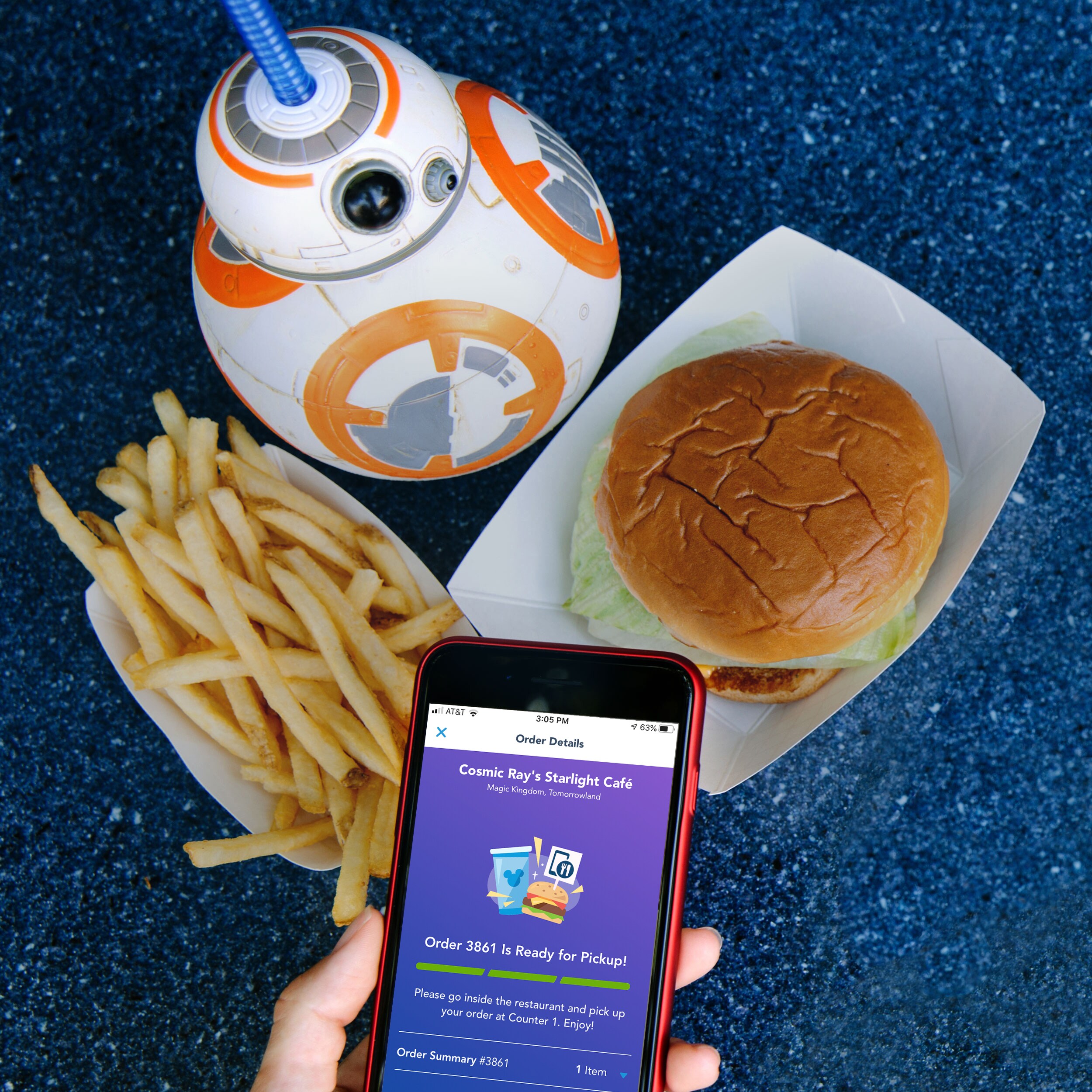
- Wait for the notification, then go to the counter marked Mobile Order Pick Up and show the order screen if a Cast Member asks.
Choose an arrival window that fits the route
The arrival window is a planning tool, not a table reservation. Pick a restaurant that is already on the group's path, then choose a window that leaves time to reach the counter. The app tells you when the order can be prepared; the kitchen starts after you tap the arrival button.
| Your day | Better Mobile Order move | Why it works |
|---|---|---|
| Morning park entry | Choose a lunch restaurant near the land you expect to visit next. | The group can place the order while moving instead of detouring back to a counter. |
| Midday ride plan | Set the window after the attraction block, with enough time to walk to the restaurant. | You avoid sending the order to the kitchen while the group is still in a queue. |
| Fixed show or reservation | Finish pickup early enough to eat and walk to the next timed plan. | Mobile Order removes counter ordering, but it does not remove the walk or the meal itself. |
| Late meal | Check that the restaurant and the chosen window are still available before leaving the current area. | Participating locations and service hours can vary by day. |
Do not tap I'm Here, Prepare My Order while the group is still far from the restaurant. Tap it when the group has arrived during the selected window, then follow the notification to the pickup counter.
How to handle food allergies
Guests should tell a Cast Member about an allergy request. For a Mobile Order, speak with a Cast Member at the pickup location and confirm the order before eating. Packaged meals can receive an allergy-friendly sticker.
Guests managing multiple allergies are encouraged to use the allergy-friendly menu at the location when it is available. Recipes and ingredients can change, and food cannot be guaranteed completely free of allergens. The Cast Member conversation matters even when the app order looks straightforward.
Disney World Mobile Order questions
Is Mobile Order for table-service restaurants?
No. Mobile Food & Beverage Ordering is offered at participating quick-service locations. Table-service meals use separate dining reservation or walk-up procedures.
Can you use the Disney Dining Plan with Mobile Order?
Yes. The Disney Dining Plan is one of the payment options for Mobile Food & Beverage Ordering. Available payment choices appear during checkout.
When should you tap “I'm Here, Prepare My Order”?
Tap it at the participating location during the selected arrival window. The order is then prepared, and a notification arrives when it is ready.
What if the restaurant does not appear in the app?
Participation and arrival windows can change. Check the live dining map and the Order Food screen for the location available on the day of the visit.
Sources
- Walt Disney World Mobile Food & Beverage Ordering, including app steps, arrival windows, payment methods, and pickup.
- Walt Disney World dining map, including the Mobile Orders filter and participating-location search.
- Walt Disney World special dietary requests and advance-order dining FAQ.
- Cosmic Ray's Starlight Café, Connections Eatery, Woody's Lunch Box, Satu'li Canteen, and D-Luxe Burger location pages.