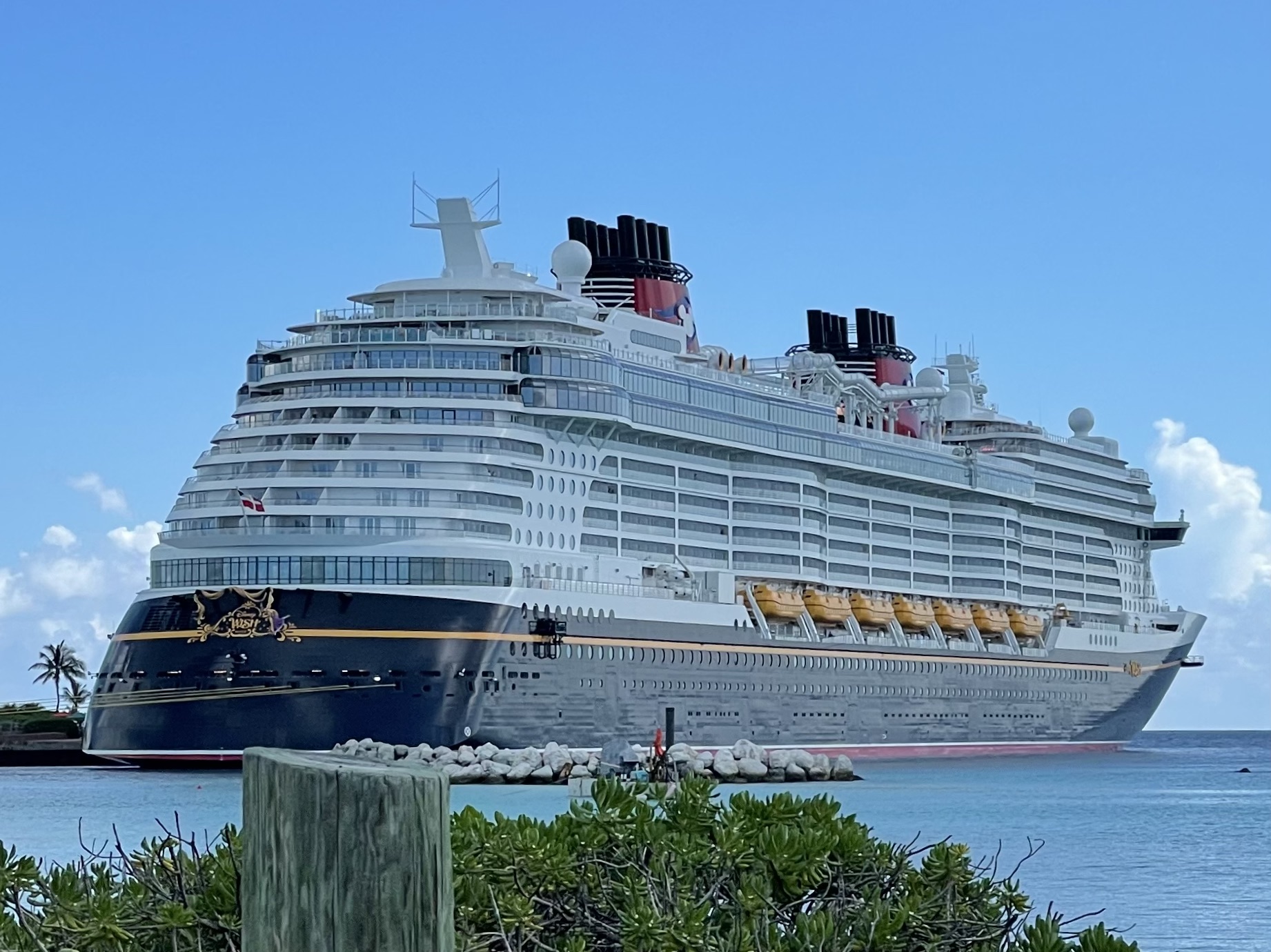

A first visit to Disney Castaway Cay can be a straightforward beach day without an excursion. Lounge chairs, umbrellas, towels, barbecue lunch, soft-serve ice cream and several activities are included. Equipment rentals, specialty drinks, cabanas, shopping and Port Adventures cost extra.
Before leaving the ship, check Navigator and your port-day instructions for the current ashore time, all-aboard time and required documents.
Choose the beach before you leave the ship
| Area | Best fit | What is nearby |
|---|---|---|
| Castaway Family Beach | Families and mixed-age groups | Pelican Plunge, youth areas, sports, barbecue lunch and equipment rentals |
| Serenity Bay | Adults 18 and older | A quieter beach, its own barbecue location and specialty drinks |
Castaway Family Beach keeps most family activities close together. Pelican Plunge sits in the lagoon, and the island's youth areas and sports options are nearby. It is the practical choice when the group includes children or teens.
Serenity Bay is reserved for guests 18 and older. It is separated from the family beach and has its own barbecue service.
What is included at Castaway Cay?
- Lounge chairs, umbrellas and towels
- Barbecue lunch at the island's included dining locations
- Soft-serve ice cream
- Pelican Plunge, beach games and sports
- Character appearances and the Castaway Cay 5K
- Supervised youth spaces for eligible children and teens
Pelican Plunge has two waterslides on a platform in the lagoon. Guests swim out to reach it.
Lunch runs on island hours rather than all day. Check the Disney Cruise Line Navigator app after boarding for the current dining and activity schedule.
Kids and teens have separate spaces
Scuttle's Cove provides supervised activities for children ages 3 to 12. Teen Hideout is for ages 14 to 17. These are separate from the family beach, where parents remain responsible for children in the water and around Pelican Plunge.
Check Navigator for the day's opening times and participation details. Hours can shift with weather, ship schedules and operational needs.
What costs extra?
- Snorkel gear, inner tubes, kayaks, paddleboats, aqua trikes and other equipment rentals
- Alcoholic and specialty frozen drinks
- Private cabanas
- Port Adventures
- Souvenirs, beachwear and sundries
You do not need to reserve an add-on to enjoy the island. Book early if a cabana or a particular Port Adventure matters to your group because availability is limited. For rentals, prices and the day's inventory, use Navigator or ask the Port Adventures Desk onboard.
A simple first-visit plan
- Pack for the day before breakfast. Bring the documents required by your port-day instructions, sunscreen, hats, sunglasses, water shoes if you prefer them and any medication you may need.
- Leave the ship with one destination. Head to the family beach or Serenity Bay before stopping for photos or shopping. You can explore after securing a base.
- Swim before lunch. Water activities are easier before the beach gets busier and before the midday meal.
- Use the included barbecue. Save paid drinks and snacks for items you specifically want.
- Set a return time. Check the all-aboard time in Navigator and leave enough time to reach the pier and reboard.
Disney's current U.S. terms say sand wheelchairs are available at Castaway Cay. Contact Disney Cruise Line before sailing for other accessibility needs, then confirm the day's arrangements onboard.
Castaway Cay and Lookout Cay are different destinations
Castaway Cay and Disney Lookout Cay at Lighthouse Point are separate destinations with different beaches and activity areas. Check the exact port name on your itinerary before saving maps or booking activities.
For paid excursions, cancellation rules and onboard help, see our Disney Cruise Line Port Adventures guide. Our Disney Cruise Line internet guide explains how Navigator works without buying an internet package.